 Insta360
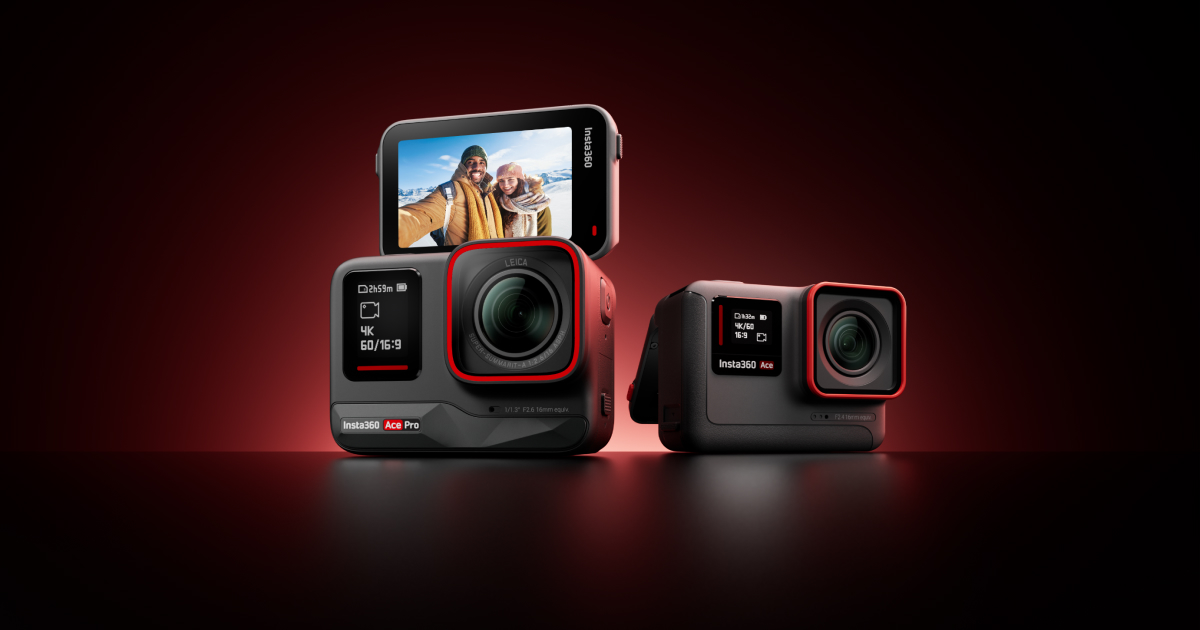
Insta360 Ace Pro
Documentation
User Manual
Read the Insta360 Ace Pro Manual
Setup, features, troubleshooting — formatted for web reading
FAQ
Common Questions
What type of microSD card should I use with the Insta360 Ace Pro?
Use exFAT format microSD cards with speed classes UHS-I and V30 or above. The Insta360 Ace Pro supports a maximum storage space of 1TB. The manual lists specific compatible models from SanDisk and Lexar, such as the SanDisk Extreme V30 A1 32GB.
Is the Insta360 Ace Pro waterproof?
Yes, the Insta360 Ace Pro camera is waterproof up to 33ft (10m) without a Dive Case. For extended underwater use up to 96ft (60m), you need to use the Dive Case. Ensure the Battery Cover is closed with the yellow mark covered and the USB Port Cover is clean and completely closed.
What shooting modes are available on the Insta360 Ace Pro?
The Insta360 Ace Pro offers multiple shooting modes: Video, FreeFrame Video, PureVideo, TimeShift, Timelapse, Loop Recording, Slow Motion, Starlapse, Burst Photos, Interval, HDR Photo, and Photo. You can switch modes by swiping left/right on the touchscreen or using the shortcut menu.
What is the operating temperature range for the Insta360 Ace Pro?
The recommended operating temperature range for the Insta360 Ace Pro is -4°F to 104°F (-20°C to 40°C). Avoid using the camera outside this range for extended periods (>1 hour) or in humid environments, as it may affect performance and battery life.
How do I connect Garmin or Apple Watch data to my Insta360 Ace Pro videos?
In the Insta360 App, open a video, pause it, and click 'Stats'. Select 'Garmin Connect' or 'Apple Health' as the data source, log in to your account, and authorize the app. Data will sync automatically. For accurate timecodes, connect the camera to the app before recording.
💡
Share a tip
Help others get more out of this product
💬
Ask a question
The community and AI are here to help
⭐
Write a review
Share your honest experience
More to explore
You might also like
Editorial summary, highlights, pros and cons are AI-assisted and reflect Pindear’s independent perspective. Always verify critical details with the manufacturer before purchase. Spotted an error? Let us know.